

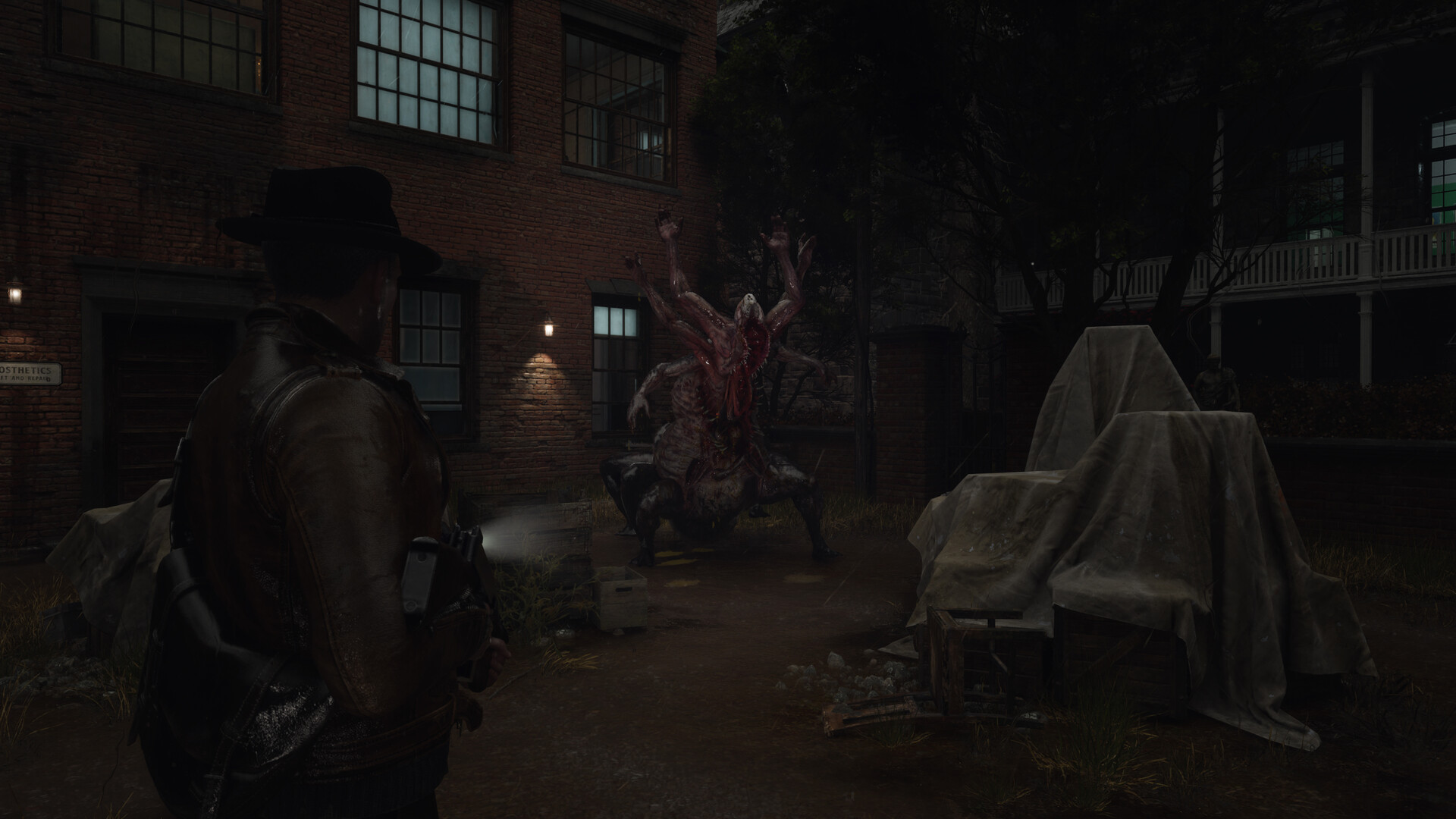
The Sinking City 2 will put you in a dangerous world, with all kinds of terrible monsters that are looking to eat your face. If you are less interested in the survival aspects of the game and are really just there for the investigations and the story, then the good news is that you can turn on invulnerability and immortality options if you wish.
How to turn on immortality and invulnerability in The Sinking City 2
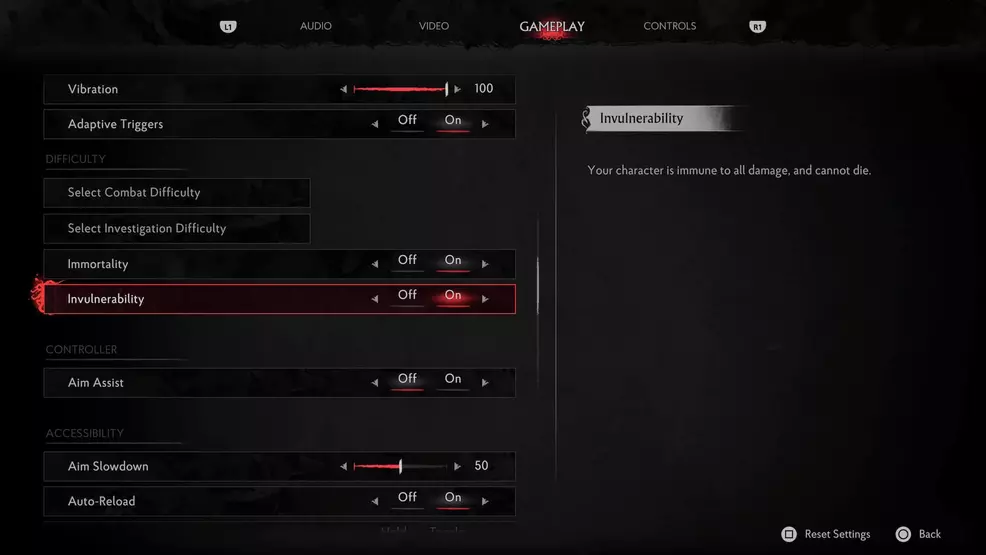
To turn on immortality and invulnerability in The Sinking City 2, you will need to first set your difficulty level to the lowest one. To do this, you can pause the game at any time and go into the Gameplay tab, then select the Combat Difficulty option.
Set the difficulty level to Sweet Dreams, then exit back to the Gameplay tab, and you will notice two new options in the difficulty section that allow you to turn on immortality and invulnerability. With Immortality on, your character can take damage but not die, while invulnerability means you will be immune to all damage.