

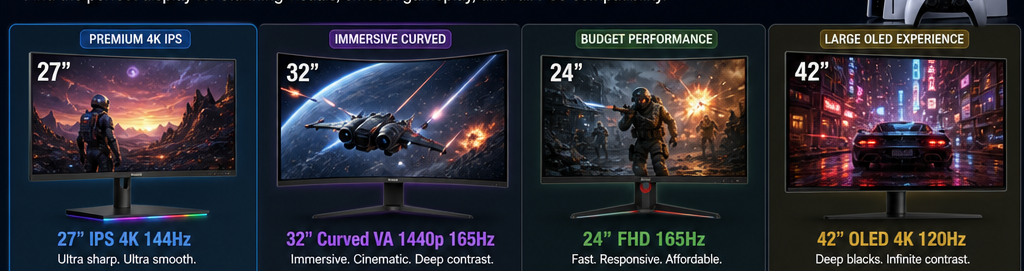
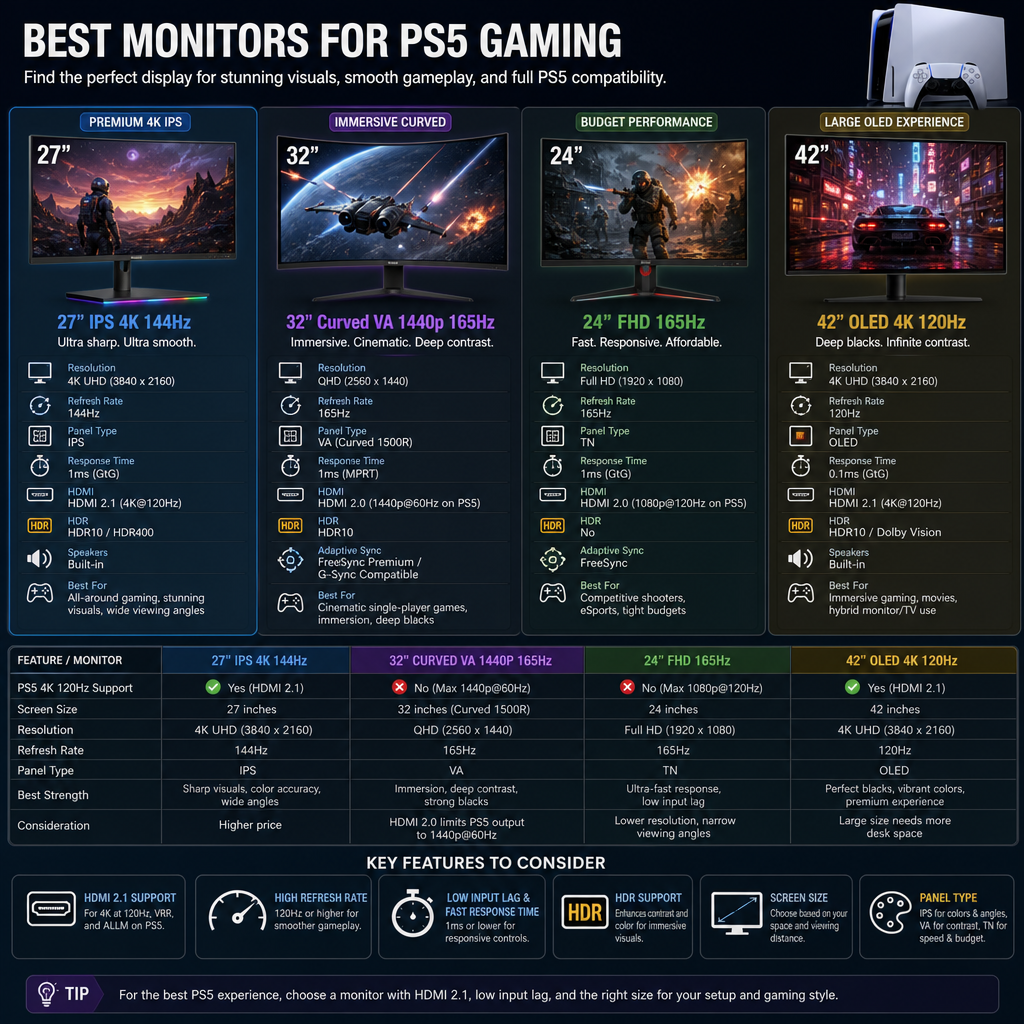
The perfect gaming display for your PlayStation 5 can be a massive difference to your gaming experience. The PS5 is a beast of a machine and runs 4K games at a silky 120 fps. However, to see these exquisite details and quick speeds, you need a display that matches its capability.
If you want quick response times, better color accuracy, and less screen tearing, then moving from a big living room TV to a dedicated desktop monitor is a good idea. This is a straightforward guide to the best PS5 gaming monitors for 2026, to help you get the appropriate display without getting bogged down in technical jargon.
What to Look For Before Buying a PS5 Monitor
You don’t have to be a techie to choose a nice display. Just remember these things:
- HDMI 2.1 Port: If you want to play games in full 4K Resolution and 120Hz speed then you must have this cable port.
- Resolution (4K vs 1440p): Go for a 4K screen for the best picture quality. A 1440p monitor is cheaper yet still looks incredibly clean on 27 inch display.
- Refresh Rate & VRR: Look for 120Hz or greater. Ensure it supports Variable Refresh Rate (VRR) so your gaming is smooth and free of screen tearing.
- Response Time: 1ms response time helps to avoid fast motion looking blurry when playing action shooters or racing games.
Top 5 Gaming Monitors for PS5 in 2026
Here are the 5 best screens available today sorted by performance, price and overall value.
1. LG UltraGear 32GS95UE – Best Overall 4K Monitor
LG UltraGear 32GS95UE is the greatest all-rounder screen for PS5 players that desire the best visuals. Its 32-inch OLED panel offers you deep blacks, vibrant colors and quick pixel responses.
- Resolution: 4K (3840*2160)
- HDMI Version: 2.1
- Best Feature: 0.03ms instant response speed and superb contrast.
There’s complete HDMI 2.1 support, so you can get all the high-speed 4K gaming you want at 120Hz with VRR enabled. HDR games look absolutely awesome on this screen.
2. Alienware AW3225QF – Best Premium Curved OLED
The Alienware AW3225QF is an excellent choice if you love the curved screens that lure you farther into the gaming world. This has a vibrant Quantum Dot OLED display that makes every color sparkle.
- Resolution: 4K (3840 x 2160)
- HDMI Version: HDMI 2.1
- Best Feature: Color brilliance with gently curved screen.
It can deal with high speed motion and has almost negligible input lag. It also supports eARC, so it’s easy to connect to a high-end soundbar for crystal clear gaming audio.
3. Gigabyte M28U – Best Value 4K Option
Experience smooth 4K gaming without breaking the bank. Gigabyte M28U is high-end performance at a much more reasonable pricing.
- Resolution: 4K (2160p 3840 x 2160)
- HDMI Version: HDMI 2.1
- Best Feature: Great 4k performance on a budget
Its 28-inch IPS screen maintains bright and clear colors at any viewing angle. It features two HDMI 2.1 connectors, so it’s more than capable of handling PS5 gaming at 120Hz.
4. AOC Q27G3XMN – Best Budget HDR Monitor
This is a great Mini-LED display, if deep contrast isn’t worth the OLED pricing. It shines bright, punches out highlights in dark game settings.
- Resolution: 1440p (2560×1440)
- HDMI version: HDMI 2.0
- Best Feature: Budget-friendly Mini-LED backlight.
The PS5 can handle a sharp 1440p signal at 120Hz to this 27-inch display with no issues. It’s a great option for compact gaming setups for gamers on a budget.
5. ASUS ROG Strix XG27ACS – Best Budget 1440p Monitor
The ASUS ROG Strix XG27ACS is an excellent solid choice for competitive console gamers that want the best speed and smooth movements.
- Resolution: 1440p (2560×1440)
- HDMI Version: HDMI 2.0
- Best Feature: Phone stand base for quick response time.
It provides crisp visual clarity, low latency and buttery smooth 120Hz action at 1440p. Easy to set up and quite comfy on the eyes for lengthy gaming sessions.
Comparison Table of Top PS5 Monitors
How to Set Up Your PS5 for the Best Picture
It takes less than two minutes to prepare the display. Simply follow these easy steps in your PS5 menu:
- Connect your console using an Ultra High Speed HDMI cable.
- Go to Settings > Screen and Video > Video Output.
- Set your Resolution to Automatic (or 1440p for QHD displays).
- Set VRR to Automatic to prevent screen tearing.
- Set Output to Automatic 120Hz.
- Use the Adjust HDR tool to precisely match the brightness of the console to your screen.
Frequently Asked Questions
Can PS5 run 120Hz on a 1440p monitor?
Yes the PS5 does support native 1440p output at 120Hz. This can be turned on in the video options menu of your console.
Do I really need an HDMI 2.1 monitor?
Yes, if you want to game at 4K 120Hz you need HDMI 2.1. If you play at 1080p or 1440p resolution, HDMI 2.0 works totally great for 120Hz gaming.
Are ultrawide monitors good for PS5?
No. PS5 does not support 21:9 ultrawide monitors Connect your PS5 to an ultrawide monitor and you’ll get black bars on the sides of your image. Use widescreen displays, the typical 16:9 format.
Final Verdict
Which is the right monitor for you, will depend on your budget and desk space. If you are after the best visual configuration with mind-blowing contrast, then there’s no beating the LG UltraGear 32GS95UE. If you want real 4K 120Hz for a reasonable price, the Gigabyte M28U is really hard to beat. The excellent quality of the AOC Q27G3XMN will be loved by compact desks and tight budgets. Choose a model within your budget, adjust your PS5 settings and enjoy extremely smooth gameplay.